Creating a comfortable and productive home office space is essential for anyone working remotely or managing tasks from home. A well-designed workspace can improve focus, reduce distractions, and make the workday more enjoyable. Whether you have a dedicated room or just a small corner, these tips will help you set up an office that suits your needs and supports your productivity.
Choose the Right Location
Finding the best spot in your home for your office is the first step. Ideally, pick a quiet area with enough natural light. Natural light helps reduce eye strain and improves mood. If natural light isn’t available, invest in good-quality, adjustable lighting.
Consider these points when choosing your space:
– Away from high-traffic areas to minimize distractions
– Near a power outlet for easy charging of devices
– Ventilated with fresh air to keep you comfortable
– Close enough to your home so you can access amenities easily during breaks
Invest in Comfortable and Functional Furniture
Your furniture plays a vital role in comfort and productivity.
Desk
Select a desk that fits your space and provides enough surface area for your computer, paperwork, and any other essentials. Standing desks or adjustable desks can be a great option to alternate between sitting and standing throughout the day.
Chair
Your chair should support good posture to avoid back and neck pain. Look for ergonomic chairs with adjustable height, lumbar support, and comfortable padding.
Organization
Add shelves, filing cabinets, or desk organizers to keep your supplies neat and within reach.
Optimize Lighting
Good lighting reduces eye strain and helps you stay alert.
– Use a mix of natural and artificial light
– Position your desk near a window if possible
– Avoid glare on your screen by angling your monitor and using blinds or curtains
– Use a desk lamp with adjustable brightness to focus on tasks
Minimize Distractions
Creating a distraction-free zone helps maintain focus.
– Use noise-cancelling headphones or white noise machines if noise is an issue
– Establish boundaries with family members during work hours
– Keep your workspace clean and clutter-free to avoid mental distraction
Personalize Your Space
A workspace that reflects your personality can increase motivation.
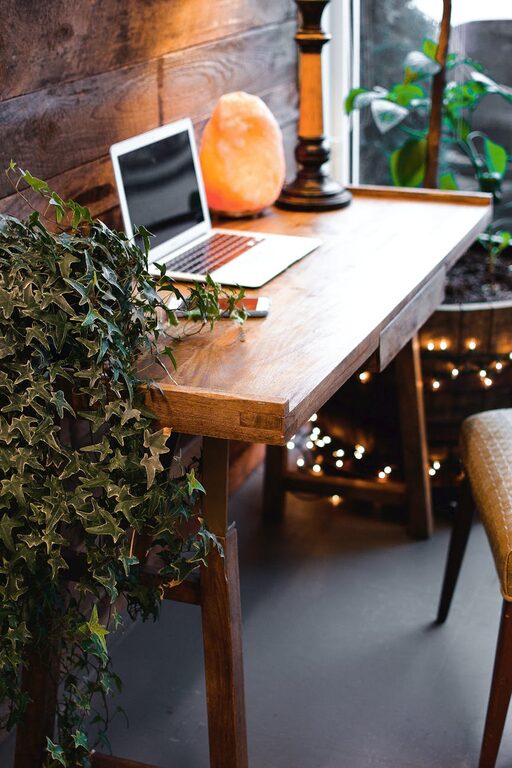
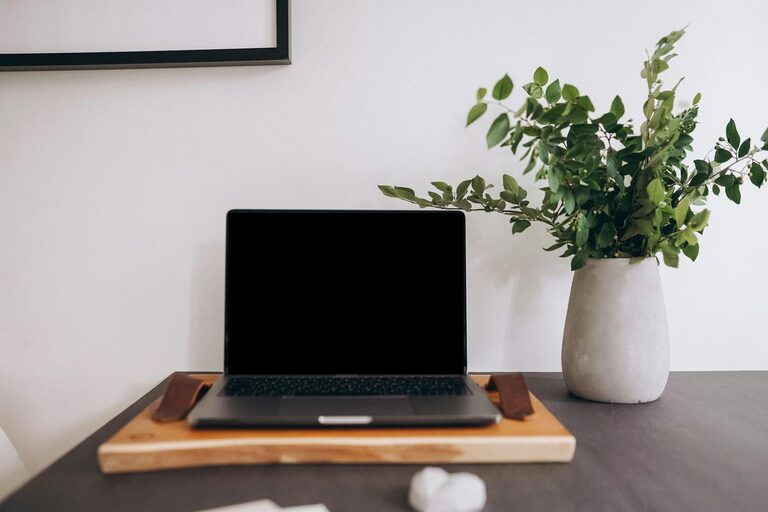
– Add plants to bring a bit of nature indoors; plants improve air quality and foster calmness
– Decorate with artwork or photos that inspire you
– Use colors that promote concentration, such as blues or greens
Organize Your Technology
Keep your devices and cables organized to reduce clutter.
– Use cable management tools like clips or sleeves
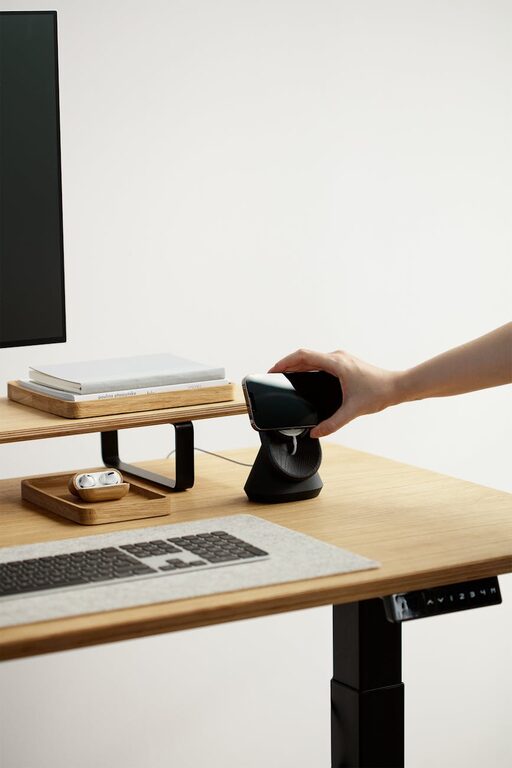
– Set up a charging station for phones and tablets
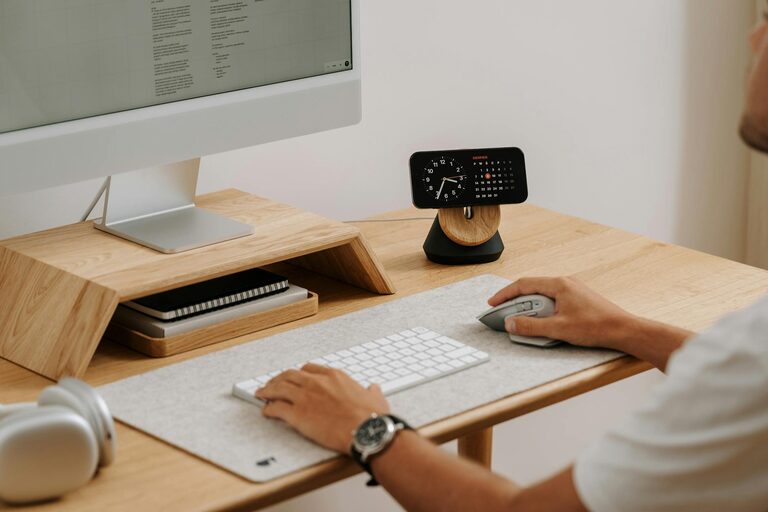
– Invest in a good-quality keyboard, mouse, and monitor for comfortable use
– Ensure your internet connection is reliable to avoid interruptions
Establish a Routine
Having a schedule helps separate work time from personal time.
– Start and end your workday at consistent times
– Take regular breaks to stretch and rest your eyes
– Create a morning routine to get into a productive mindset
Incorporate Storage Solutions
Keeping supplies and paperwork organized saves time and reduces stress.
– Use labeled boxes or drawers for documents
– Keep frequently used items within arm’s reach
– Declutter regularly to maintain an efficient environment
Maintain Good Air Quality and Comfort
Comfort isn’t just about furniture and lighting; air quality matters too.
– Open windows for fresh air when possible
– Use air purifiers if needed
– Control room temperature with fans or heaters to maintain a comfortable climate
Final Thoughts
Creating a home office that is both comfortable and productive requires thoughtful planning and personalization. By choosing the right location, investing in ergonomic furniture, managing lighting and distractions, and keeping your workspace organized, you set yourself up for success. Remember, the goal is to make your home office a place where you enjoy spending time and can efficiently complete your work. With these tips, your home office can become a productive, comfortable, and inspiring space.