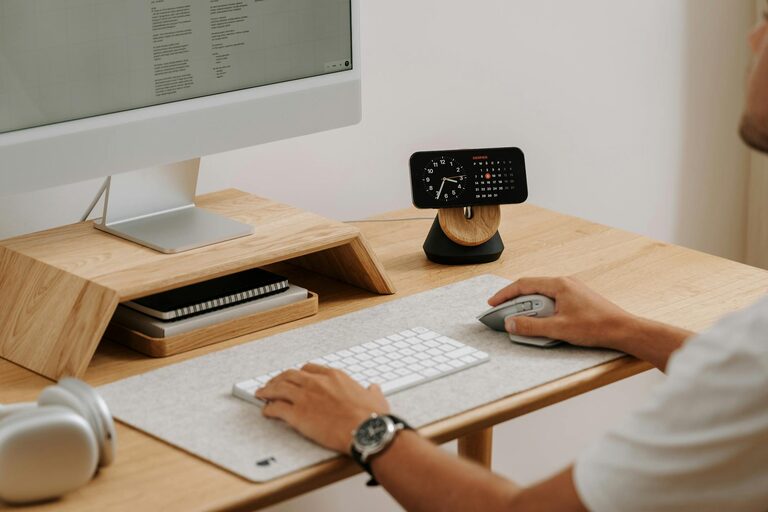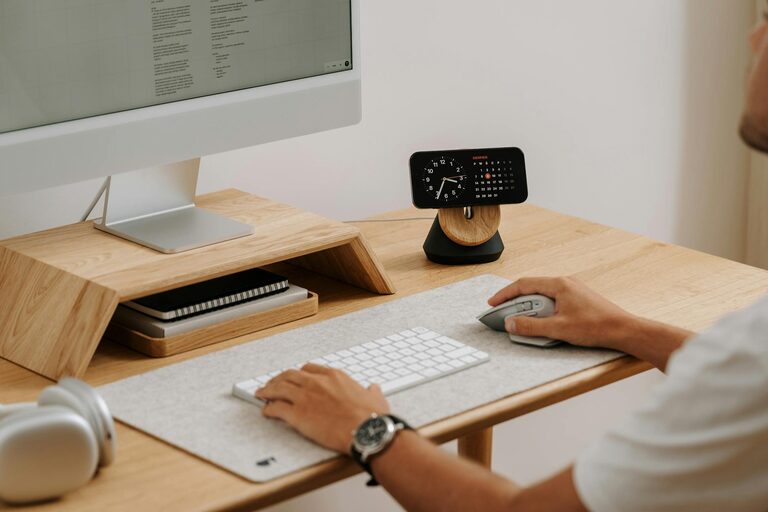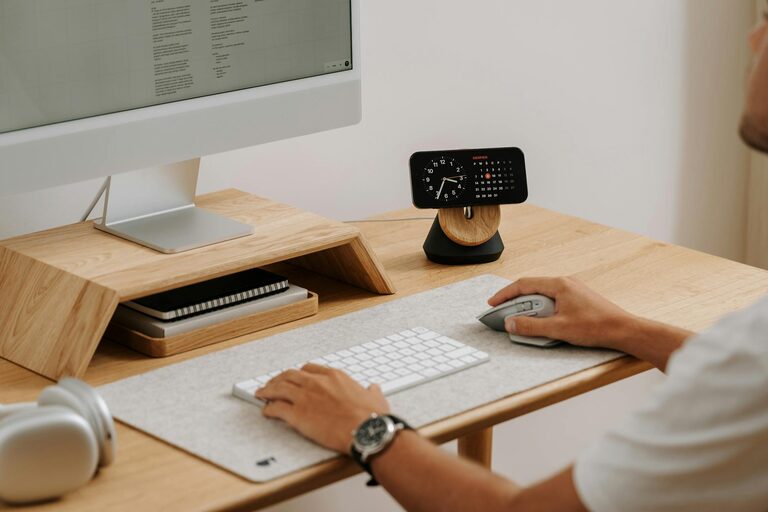
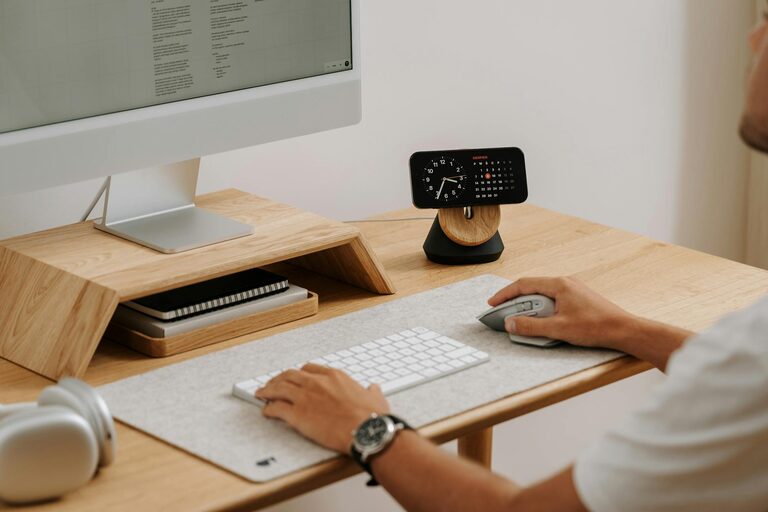
Creating a cozy and productive home office space is essential for anyone working from home. Whether you’re freelancing, studying, or managing a full-time remote job, the environment you work in can greatly impact your focus and mood. This guide offers simple, actionable tips to help you set up a home office that feels inviting and boosts your efficiency.
Why a Cozy and Productive Home Office Matters
A well-designed home office combines comfort with functionality. When your workspace feels pleasant, you’re more likely to stay motivated and reduce stress. On the other hand, a cluttered or uncomfortable area can lead to distractions and fatigue. The key is to find a balance that suits your needs and personal style.
Choosing the Right Location
Consider Natural Light
Natural light can elevate your mood and reduce eye strain. Set up your desk near a window if possible. Avoid facing the window directly to prevent glare on your computer screen; instead, position your desk so light comes from the side.
Minimize Noise and Distractions
Look for a quiet spot away from high-traffic areas in your home. If that’s not possible, consider noise-canceling headphones or a white noise machine to block out distractions.
Define Your Space
Even in small homes, carve out a dedicated area for work. This boundary helps your brain switch between work mode and relaxation. Use room dividers, curtains, or rugs to visually separate your office space.
Choosing Furniture That Supports Comfort and Efficiency
Invest in an Ergonomic Chair
Your chair is one of the most important parts of your home office. Ergonomic chairs support your posture and prevent back pain, which can improve your focus and comfort throughout the day.
Find a Suitable Desk
Select a desk that fits your available space and meets your work needs. Some prefer a large surface for multiple monitors and documents, while others may choose a compact desk to keep things simple.
Add Storage Solutions
Keep your workspace tidy by using shelves, filing cabinets, or storage boxes. Organized spaces reduce stress and make it easier to find what you need quickly.
Personalizing Your Workspace
Choose Soothing Colors
Colors affect mood. Soft, neutral tones like light blues, greens, or grays can create a calming atmosphere. If you like brighter shades, use them as accents rather than the main color to avoid overstimulation.
Add Plants
Indoor plants bring life to your workspace, improve air quality, and reduce stress. Low-maintenance options like pothos, snake plants, or succulents are great choices.
Include Personal Touches
Decorate with photos, artwork, or items that inspire you. Having pleasant visuals can help keep your motivation high, but avoid over-decorating to maintain a clean, distraction-free zone.
Organizing Your Workspace
Use Cable Management
Cables can easily become messy and distracting. Use cable clips, sleeves, or ties to keep cords organized and out of sight.
Keep Essential Items Within Reach
Arrange your desk so that frequently used items—like pens, notebooks, or your phone—are close by. This reduces unnecessary movement and interruptions during your work.
Develop a Filing System
Whether digital or physical, implementing a filing system keeps documents easy to access. Label folders clearly and schedule time to tidy up regularly.
Enhancing Productivity with Smart Tools
Optimize Your Technology Setup
Ensure your computer, internet connection, and other devices meet your needs. Consider a second monitor to increase screen space and multitasking abilities.
Use Task Management Tools
Apps like Trello, Asana, or simple to-do list tools help you organize tasks and deadlines. Keeping track of your workload visually can reduce overwhelm.
Take Regular Breaks
Set timers to remind yourself to stand, stretch, or take short walks. Breaks rejuvenate your mind and prevent burnout.
Creating a Comfortable Atmosphere
Control Lighting
In addition to natural light, add lamps or adjustable lighting to avoid eye strain. Soft, warm light bulbs can create a cozy feel, while brighter white lights help stay alert.
Maintain a Comfortable Temperature
Keep your room at a comfortable temperature to avoid distractions caused by being too cold or too hot. A small fan, heater, or humidifier might help depending on your climate.
Choose Comfortable Accessories
Consider wrist supports for typing, an anti-fatigue mat if you stand, or a footrest to improve posture. These small additions can make a big difference over long work hours.
Final Thoughts
Designing a home office that is both cozy and productive takes some planning, but the results are worth it. By choosing the right location, investing in comfortable furniture, personalizing your space, and staying organized, you create an environment where you can focus and enjoy your work. Remember, your home office should reflect your individual preferences and working style, so feel free to adapt these tips to what suits you best.