
Creating a cozy and productive home workspace is essential for anyone working remotely or spending extended hours at home. A well-designed workspace not only helps maintain focus but also makes your workday more enjoyable. Whether you have a dedicated room or just a small corner, these tips will help you create an environment that balances comfort with efficiency.
Choose the Right Spot
Finding the ideal location for your workspace is the first step. Here are some factors to consider:
– Natural Light: Position your desk near a window if possible. Natural light boosts mood and reduces eye strain.
– Quietness: Choose a low-traffic area to minimize distractions.
– Space: Ensure there is enough room for your desk, chair, and any work tools you need regularly.
If space is limited, consider creative options like a fold-down desk or a multi-use space that can transition between work and leisure.
Invest in Comfortable and Supportive Furniture
Comfort plays a key role in productivity and well-being.
– Ergonomic Chair: Invest in a chair that supports your back and encourages good posture. Adjustable height and lumbar support are great features.
– Desk: Choose a desk at the right height for you. If you prefer, a standing desk or a desk converter can help you alternate between sitting and standing.
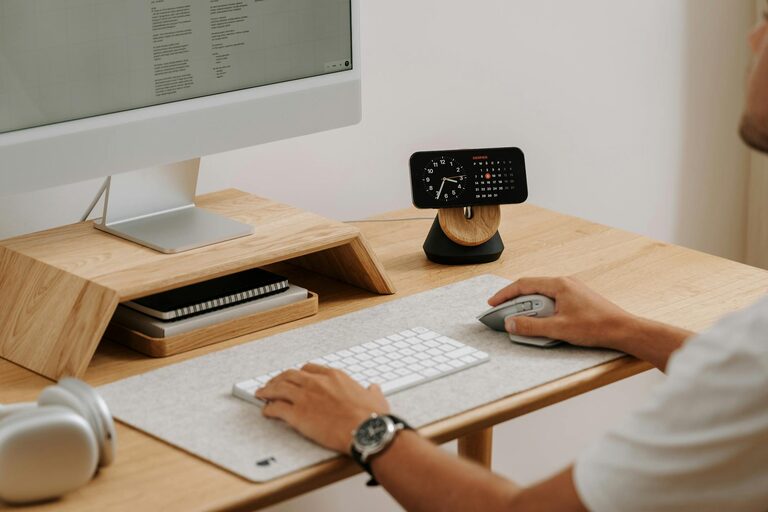
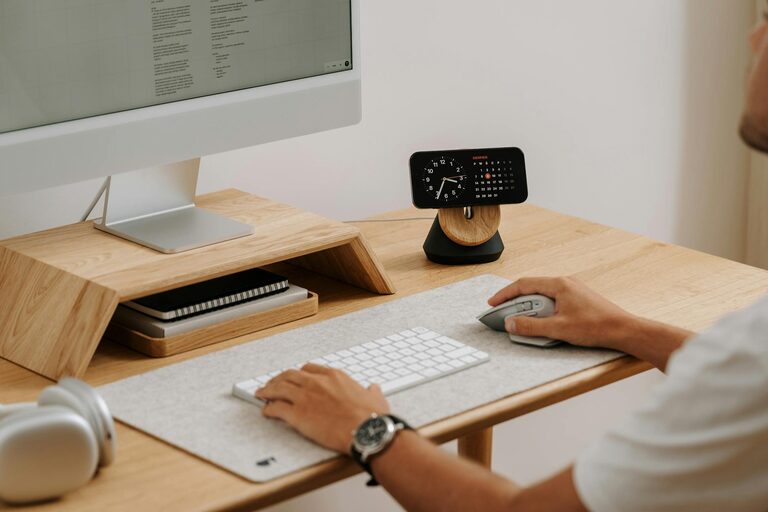
– Accessories: A keyboard tray, wrist rests, and monitor stands can improve comfort and reduce strain.
Comfortable furniture reduces fatigue and helps you focus longer.
Organize and Declutter
A clutter-free workspace leads to a clearer mind and better productivity.
– Storage Solutions: Use shelves, drawers, or filing cabinets to keep documents and supplies organized.
– Desk Essentials Only: Keep only daily-use items on your desk to avoid distraction.
– Cable Management: Use clips or sleeves to tidy up cables for a cleaner look.
Regularly declutter to maintain an inviting and efficient workspace.
Personalize Your Space
Adding personal touches makes your workspace feel welcoming.
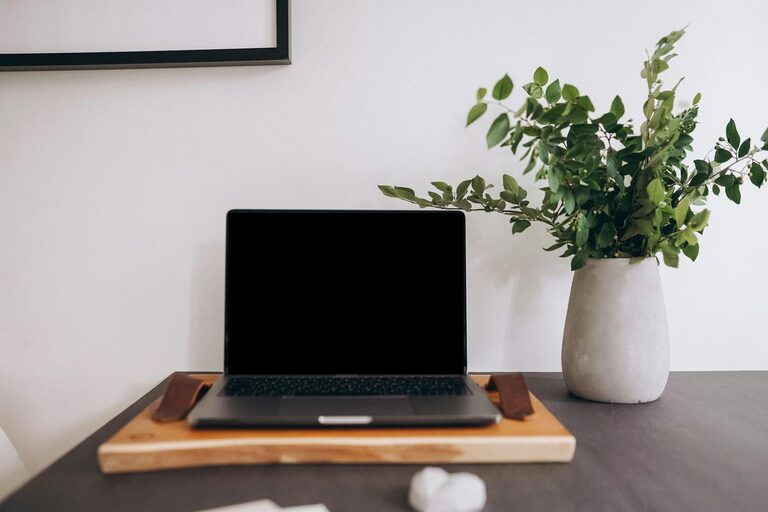
– Decor: Add photos, plants, or artwork that inspire you.
– Colors: Choose soothing or motivating colors based on your preferences. Soft blues and greens can calm, while bright colors can energize.
– Lighting: Beyond natural light, add warm desk lamps or fairy lights for coziness.
Personal touches can boost your mood and motivation throughout the day.
Optimize Lighting
Good lighting reduces eye strain and sets the right atmosphere.
– Layer Lighting: Combine natural light, overhead lights, and task lighting.
– Adjustable Lamps: A desk lamp with adjustable brightness allows you to tailor lighting depending on the time and task.
– Avoid Glare: Position screens to avoid reflections from windows or lights.
Proper lighting keeps you alert and comfortable, especially during long work sessions.
Minimize Distractions
Keeping distractions at bay helps maintain focus and efficiency.
– Noise Management: Use noise-cancelling headphones or white noise machines if necessary.
– Clear Boundaries: If you share your living space, communicate your working hours to household members.
– Digital Focus Tools: Consider apps that block distracting websites during work periods.
Creating a distraction-free zone allows for deeper concentration and productivity.
Incorporate Break Areas and Movement
Taking breaks and moving regularly is important for health and focus.
– Dedicated Break Spot: If space allows, create a comfortable spot away from your desk for short breaks.
– Stretch or Move: Set reminders to stand, stretch, or walk every hour.
– Mini Exercises: Simple desk stretches or light workouts can refresh your mind and body.
A balance of work and movement helps prevent burnout and maintains energy.
Keep Essential Tools Within Reach
Having your work materials at hand saves time and reduces interruptions.
– Organizers: Use trays or desk organizers for pens, notebooks, and devices.
– Tech Setup: Arrange your computer, printer, and other equipment to optimize workflow.
– Tech Maintenance: Keep chargers and cables accessible and organized.
A well-set workspace ensures smooth and uninterrupted work sessions.
Maintain Good Air Quality and Temperature
Comfortable air and temperature contribute to overall productivity.
– Ventilation: Open windows when possible or use an air purifier to keep air fresh.
– Temperature Control: Use fans, heaters, or humidifiers to maintain a comfortable temperature.
– Plants: Indoor plants can improve air quality and add a calming presence.
A comfortable environment supports long-term focus and health.
—
Final Thoughts
Designing a home workspace that is both cozy and productive doesn’t have to be complicated. By carefully choosing your location, investing in comfortable furniture, managing clutter, and personalizing your area, you can create a space that supports your best work. Remember to pay attention to lighting, minimize distractions, and take regular breaks to maintain a healthy balance.
With these tips, your home workspace can become a place you enjoy spending time in, helping you stay motivated and productive every day.